AI image production for commerce

Create Campaign-Ready Images in Minutes

With Photoshop. Or on its own.Retouch, restyle, expand, and batch-produce product visuals in the standalone PSAIKit app or directly in Photoshop.

No credit card required · Photoshop optional · Mac & Windows
10× fasterConsistent brand lookEditable layers
PSAIKit
Product Retouch100%
Background Extend
12 files completed

From one product shot to a full campaign.

10×faster end-to-end production
90%less manual cleanup
Any channel sizefrom social to billboards

One source, every channel

One photo. Every version you need.

Turn a single product image into a consistent family of store, social, campaign, and detail visuals.

Original
Store
Social
Campaign
Detail

Real workflows, actual results

From raw assets to campaign-ready images.

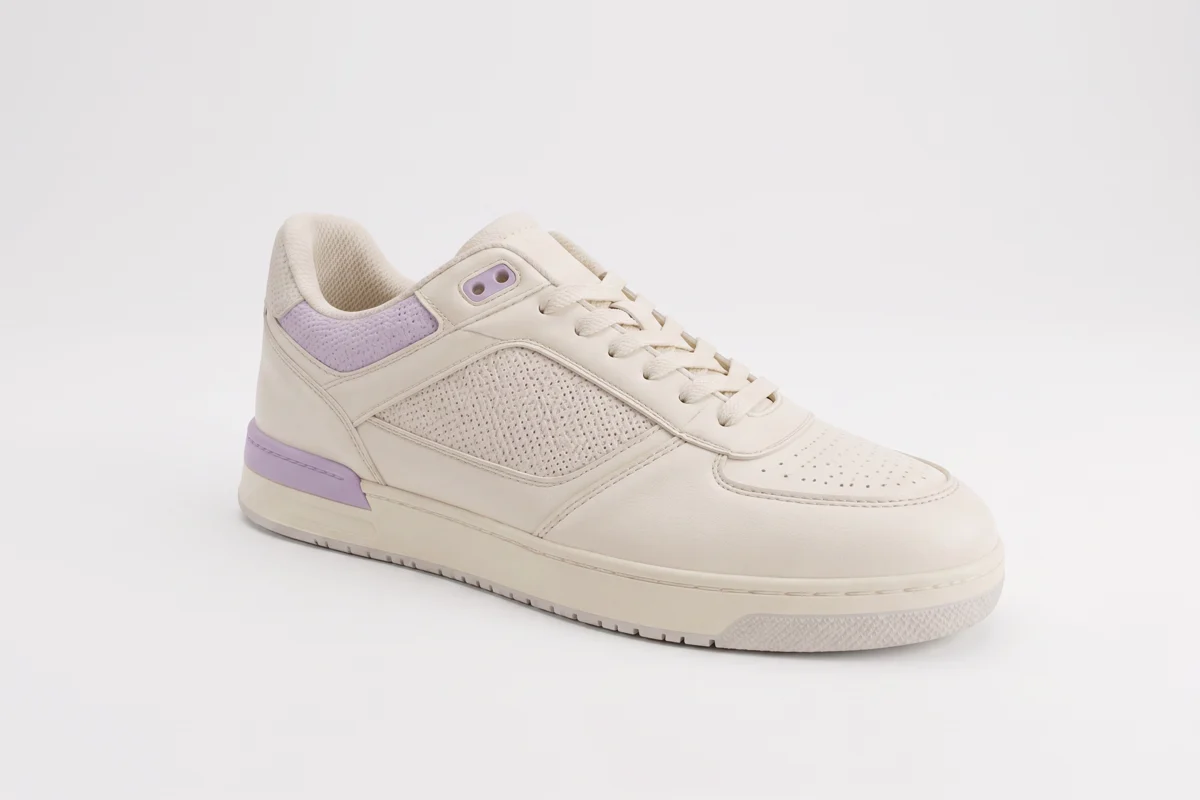
Retouched cream sneaker on a clean white background
Result
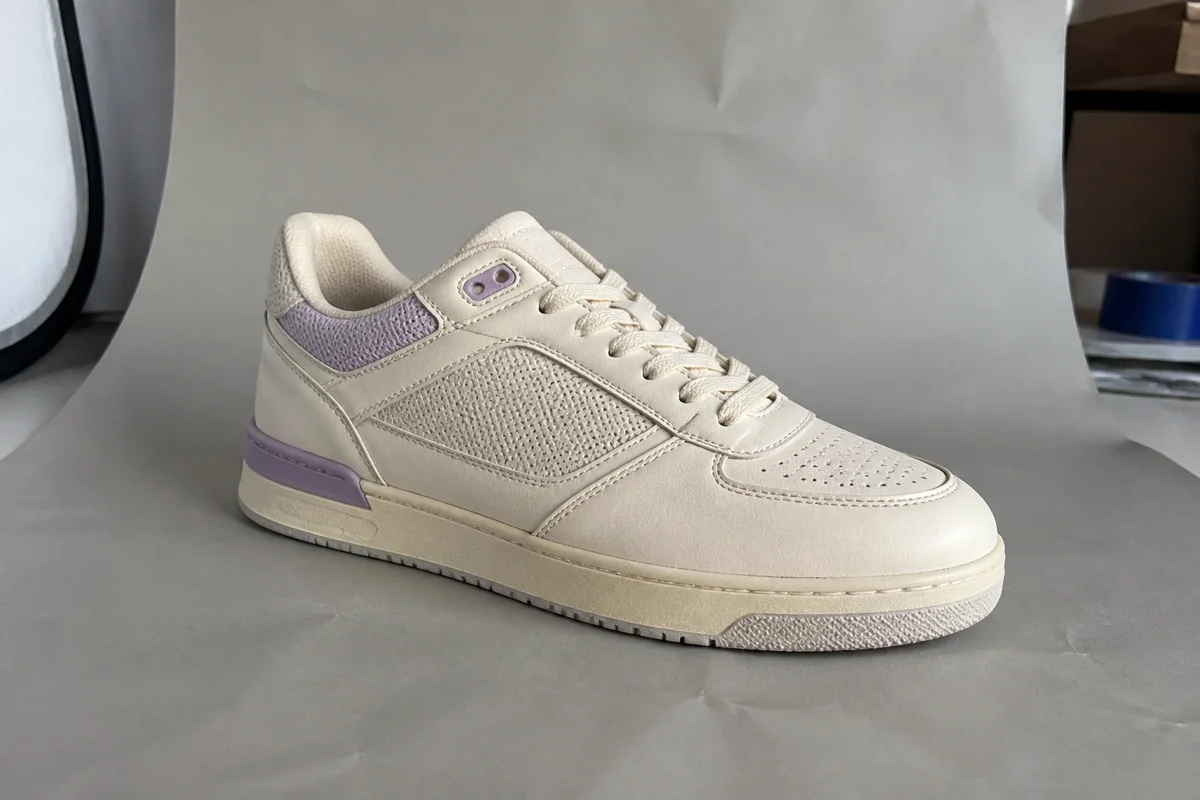
Raw cream sneaker photo with studio distractions
Source
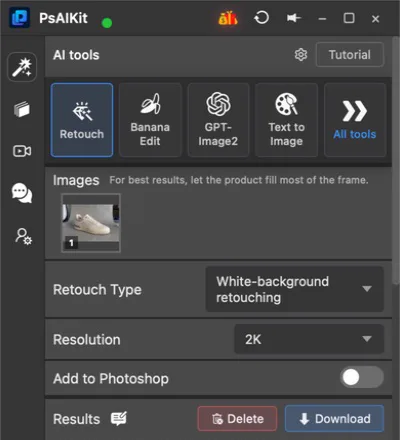
Actual PSAIKit UIActual PSAIKit Retouch panel with the sneaker source loaded

01

Retouch

Turn a rough product photo into a clean white-background listing image in one focused workflow.

  • No manual selection required
  • Brand-safe output
  • High-resolution export
Explore the workflow

AI fashion production

One outfit. More campaigns.

Swap models and scenes while keeping garment shape, color, texture, and styling true to the original.

View model workflow
Original
Studio
City

Batch production

Process a whole product set in one run.

Choose single-image or folder batch mode, apply one instruction, and save a consistent set locally.
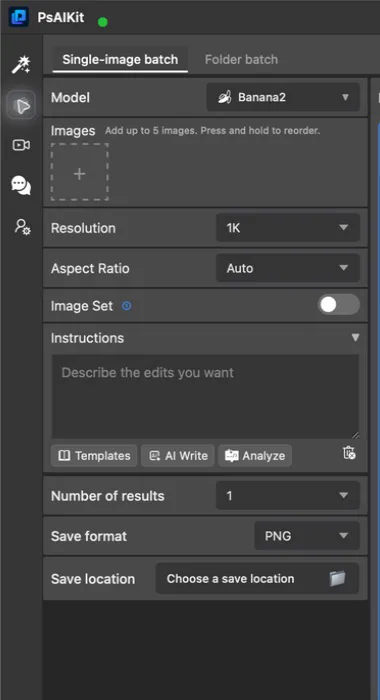
Single image or folderOptional instructionsFormat and save folder
PSAIKit Batch workspace
4 / 4 ready
PSAIKit Batch panel showing the real batch settings
Real batch settings

Generated product set

FootwearReady
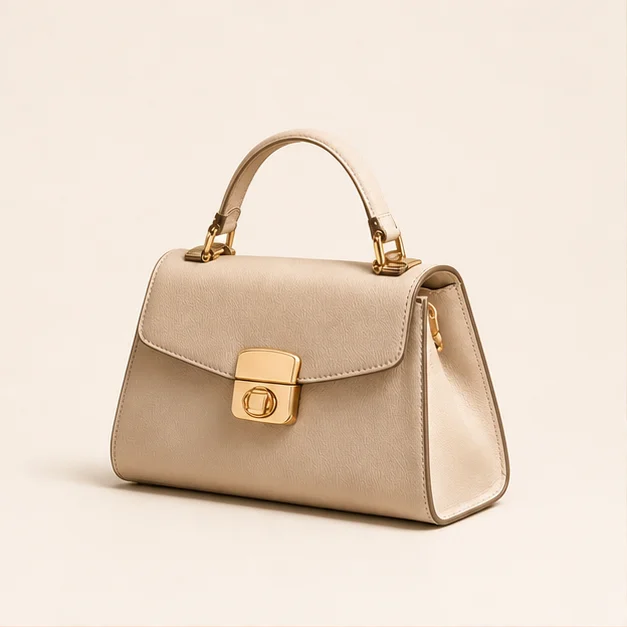
AccessoriesReady
AudioReady
DrinkwareReady
2input modes
Custominstructions
Localfolder export

Made for modern commerce

Built for what you sell.

Purpose-built workflows for every catalog, campaign, and channel.

Fashion

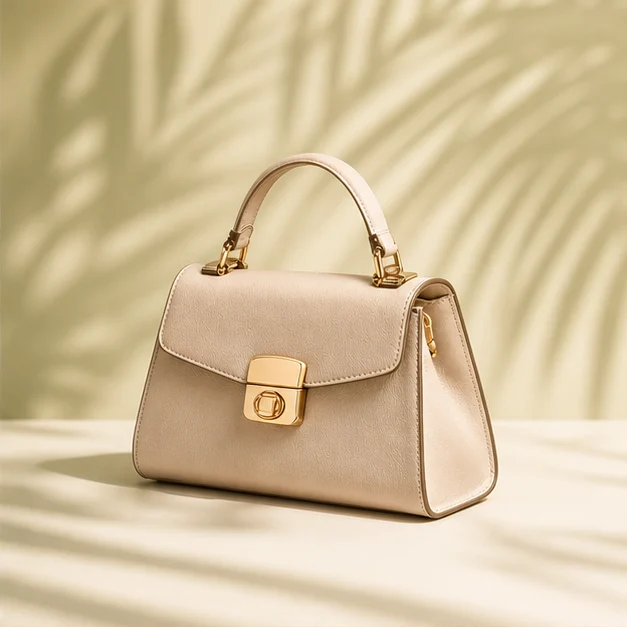
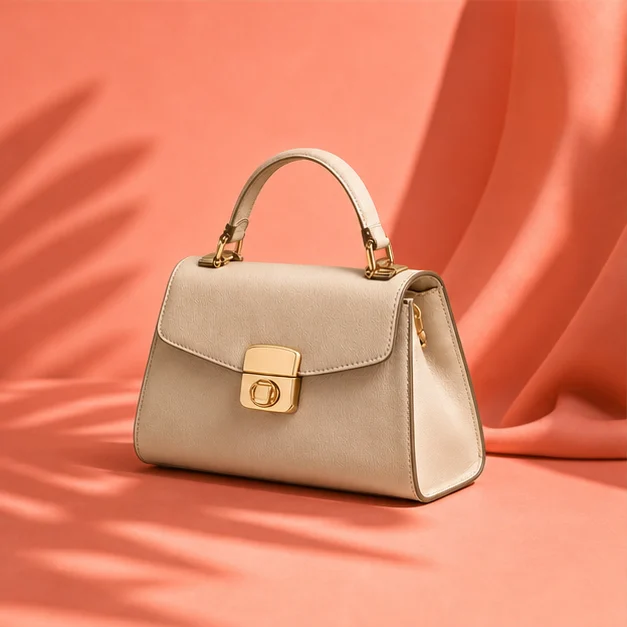
Lookbooks, ads, and storefronts.

Beauty

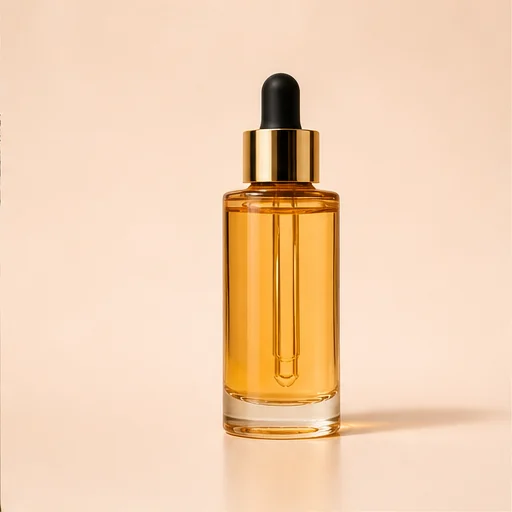
Flawless packshots at any scale.

Jewelry

Sparkle that stays true.

Footwear

Clean, consistent, conversion-ready.

Food

Appetizing imagery that sells.

Home

Lifestyle scenes that convert.

A shorter path to launch

Three steps. Every channel.

01

Bring your images

Drop in a folder from Photoshop or Lightroom.

02

Choose a workflow

Pick a preset or customize your production rules.

03

Export every size

One click, every channel, ready to publish.

Results teams can measure

Less retouching. More launching.

“

PSAIKit cut our image production time by days. The results stay on-brand and look incredible everywhere.

Maya Chen · Creative Lead, Solstice Studio
3days saved per launch
4×more variants
100%editable

Simple pricing

Plans for every image volume.

Choose your membership and duration. Prices below are the total for the selected package.

Choose package

Questions

We've got answers.

No. PSAIKit works as a standalone app on Windows and macOS, with no Photoshop installation required. You can also use it as a panel inside Adobe Photoshop CC 2015 and later to create and refine results in your existing workflow.

Yes. Results return to Photoshop as editable layers so you can mask, blend, color-grade, and refine them with your existing tools.

Yes. Batch workflows let you apply reusable production rules to large image folders and review the complete queue from one workspace.

Each AI workflow uses a clearly displayed number of credits. Monthly plans refresh their included credits on every billing cycle.

Team plans include shared credits, member roles, workspace controls, and centralized usage management.

Start with one image

Your next campaign starts with one image.